Set content of footer

Before you begin

About this task

The content of the Footer is to be used to display contact information of Karlsruhe University of Applied Sciences, Pwani University and Baden-Württemberg Stiftung gGmbH.

Procedure

  1. In the Administration block, click on: Site administration > Appearance > Themes > Adaptable > Footer.
    You will see a configuration page for the Footer.
  2. Scroll down to the Footer Content Sections to edit the content of the Footer.

    Figure: Footer content section 1
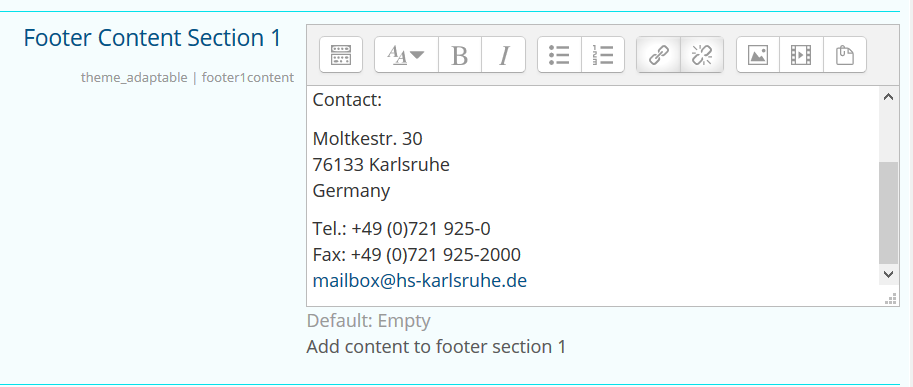
  3. Edit the content of the three footer sections directly in the displayed text editor.
  4. Click on Save changes.

Results

The edited content is displayed in the Footer throughout the entire Karlifi Learning Platform.