Install a theme plugin

Before you begin

  • Make sure you are logged in as Administrator.
  • Make sure you have the plugin downloaded and saved as a zip file.

Procedure

  1. In the Administration block, click on: Site administration > Plugins > Install plugins.
    You will see the Plugin Installer page.
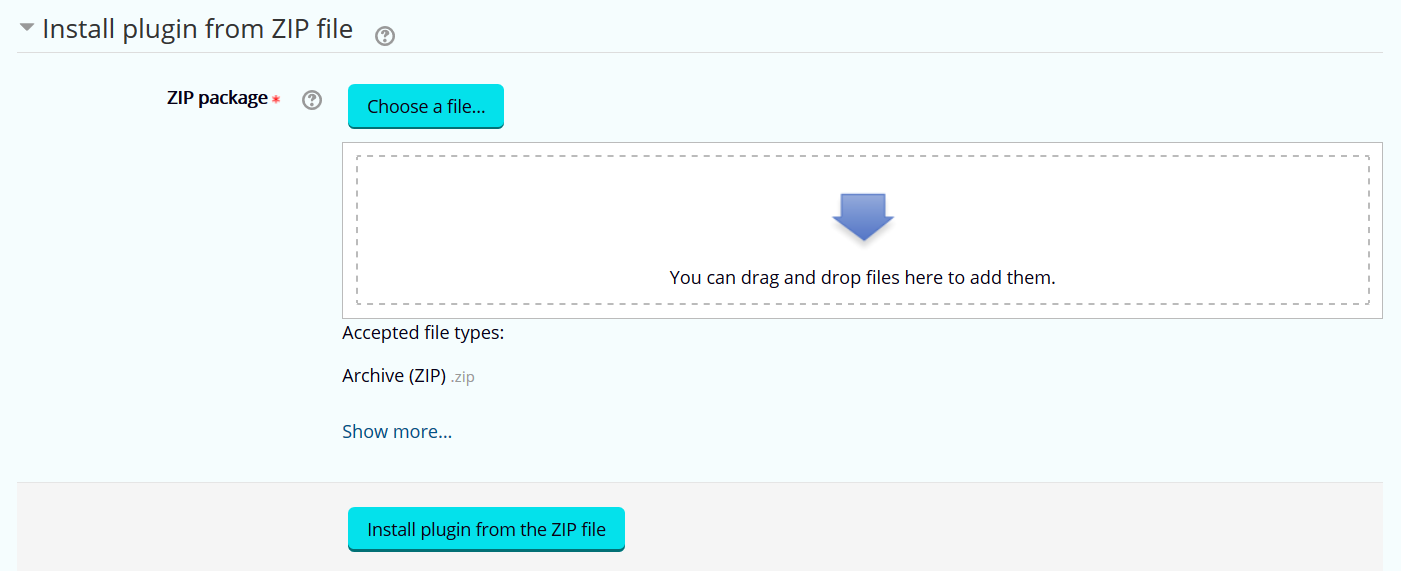
  2. In the Install plugin from ZIP file section, click on: Choose a file....

    Figure: Choose a file...
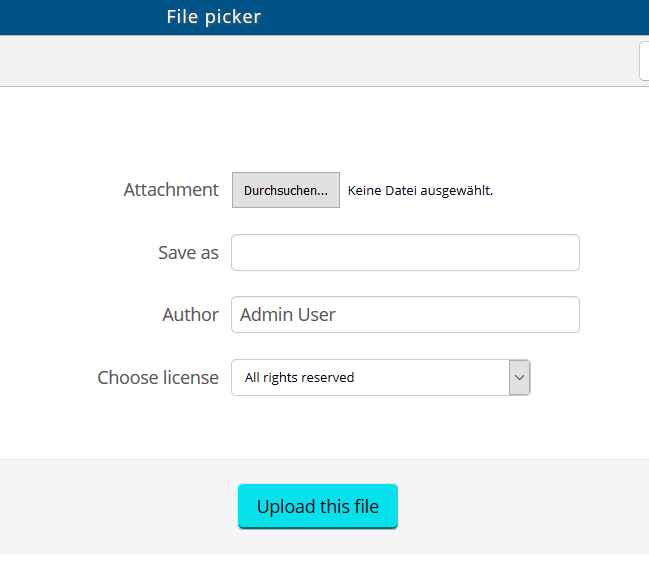
    The file picker window will open:

    Figure: File picker window

  3. Click on the button next to Attachment to select the zip.file of the plugin.
  4. Click on Upload this file.

Results

The system will upload the plugin automatically. After you saved all of your changes, the theme plugin can be found under Site administration > Appearance > Themes > Theme selector.