Change the logo
Before you begin
- Make sure you are logged in as Administrator.
- Make sure you have saved the new logo as an image file in the JPG or PNG format and in the size 200px X 80px.
About this task
Procedure
-
In the Administration block, click on: .
Figure: Click on "Header".
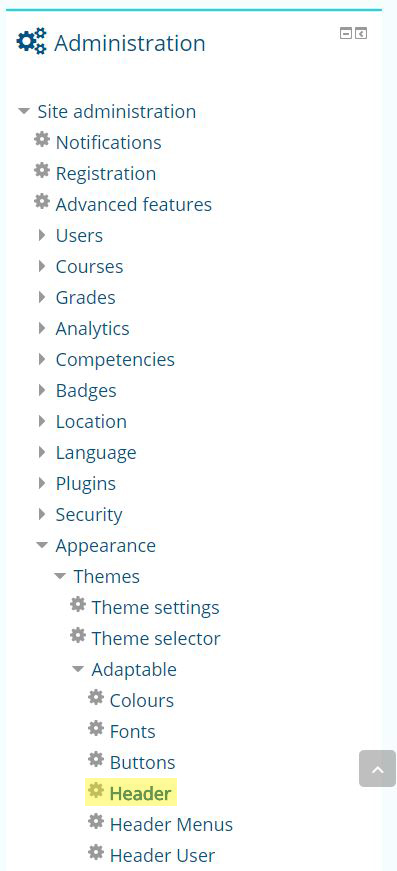 You will see a new page on which you can edit the header settings.
 -
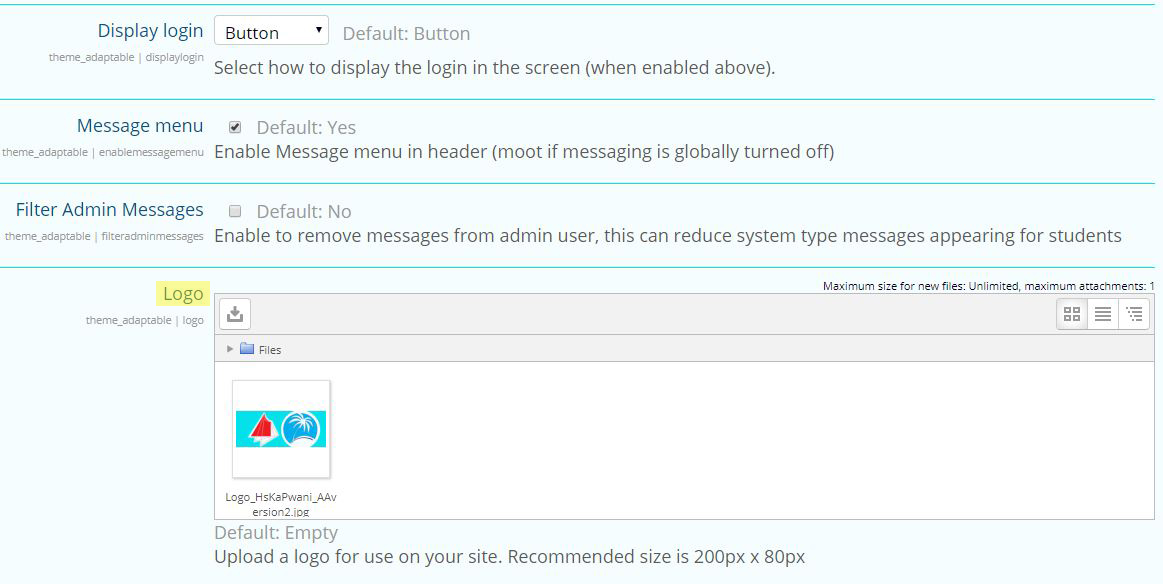
Scroll down to the Logo section.
Figure: The logo section highlighted in yellow
-
Click on the button Delete.
Figure: Click on "Delete".
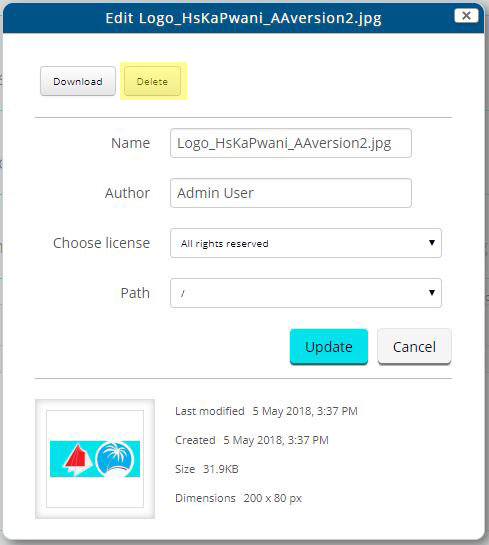 You will see a pop-up box that will ask you whether you want to delete the file.
 -
In the pop-up box, click on the button OK.
Figure: Click on "OK".
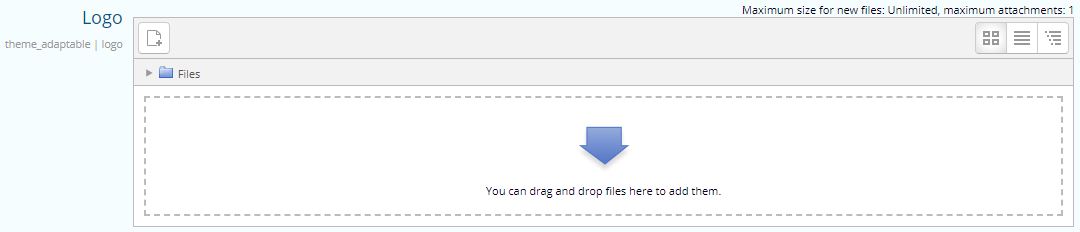
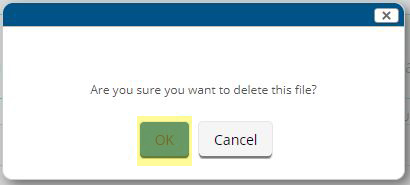 The file field will be empty.
Figure: You will see no files in the file field.
-
Drag and drop the file onto the empty File field.
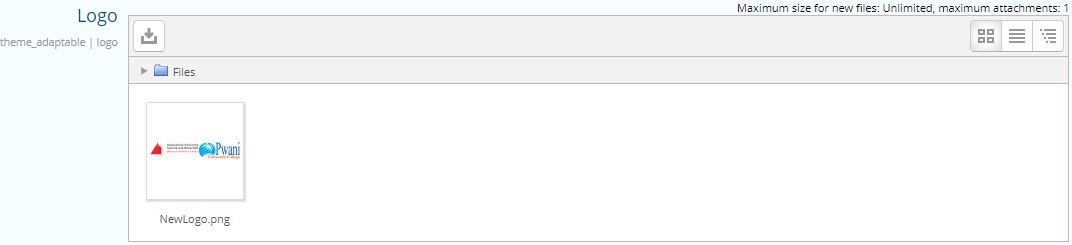
You will see your file in the file field.
Figure: The new file is in the field.
Results
You will see the new logo on the top left corner of the Karlifi Learning Platform.