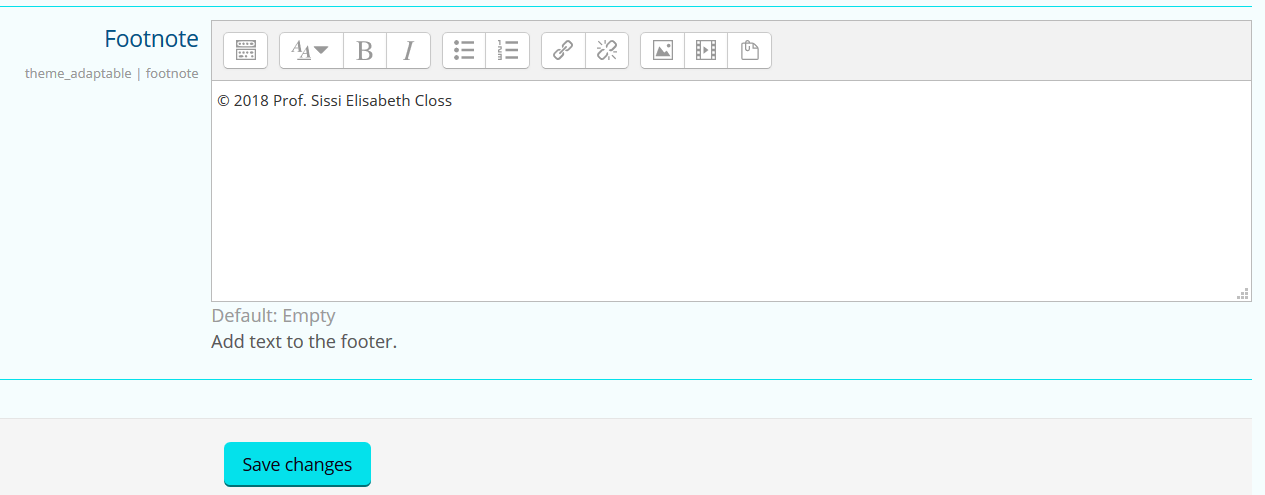
The content of the Footer footnote is to be used to
display copyright information.
Procedure
In the Administration block, click on: Site administration > Appearance > Themes > Adaptable >
Footer.
You will see a configuration page for the Footer.
Scroll down to the Footnote section to edit the content
of the Footer.
Figure: Footnote section
Note:
Make sure that the displayed information state the copyright claim by the
domain owner of the site. The content of the footnote should only be edited
if the intellectual property rights of Karlifi.org have changed.
Edit the content of the footnote directly in the displayed text editor.
Click on Save changes.
Results
The edited content is displayed in the Footer footnote throughout the entire Karlifi
Learning Platform.