Delete frontpage slider picture

Before you begin

Procedure

  1. In the Administration block, click on: Site administration > Appearance > Themes > Adaptable > Frontpage Slider.
    You will see a configuration page for the Frontpage Slider.
  2. In the section Slider Picture, click on the picture file you want to delete.
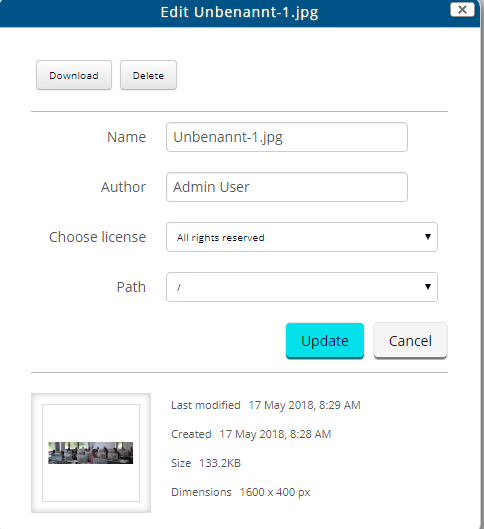
    You will see a Edit window:

    Figure: Edit window
  3. Note:

    Please be aware that the picture cannot be restored after deletion. To save a picture file for later usage, make sure to download the file before deleting it.

    At the top of the Edit window, click on Delete.

Results

Your chosen picture is no longer displayed in the Frontpage Slider on the Karlifi Learning Platform. Your chosen picture is no longer listed in the Slider Picture section of the configuration page.